Management Interface
The Vrui Management Interface is a browser-based dashboard for managing VR systems running the Vrui software stack.
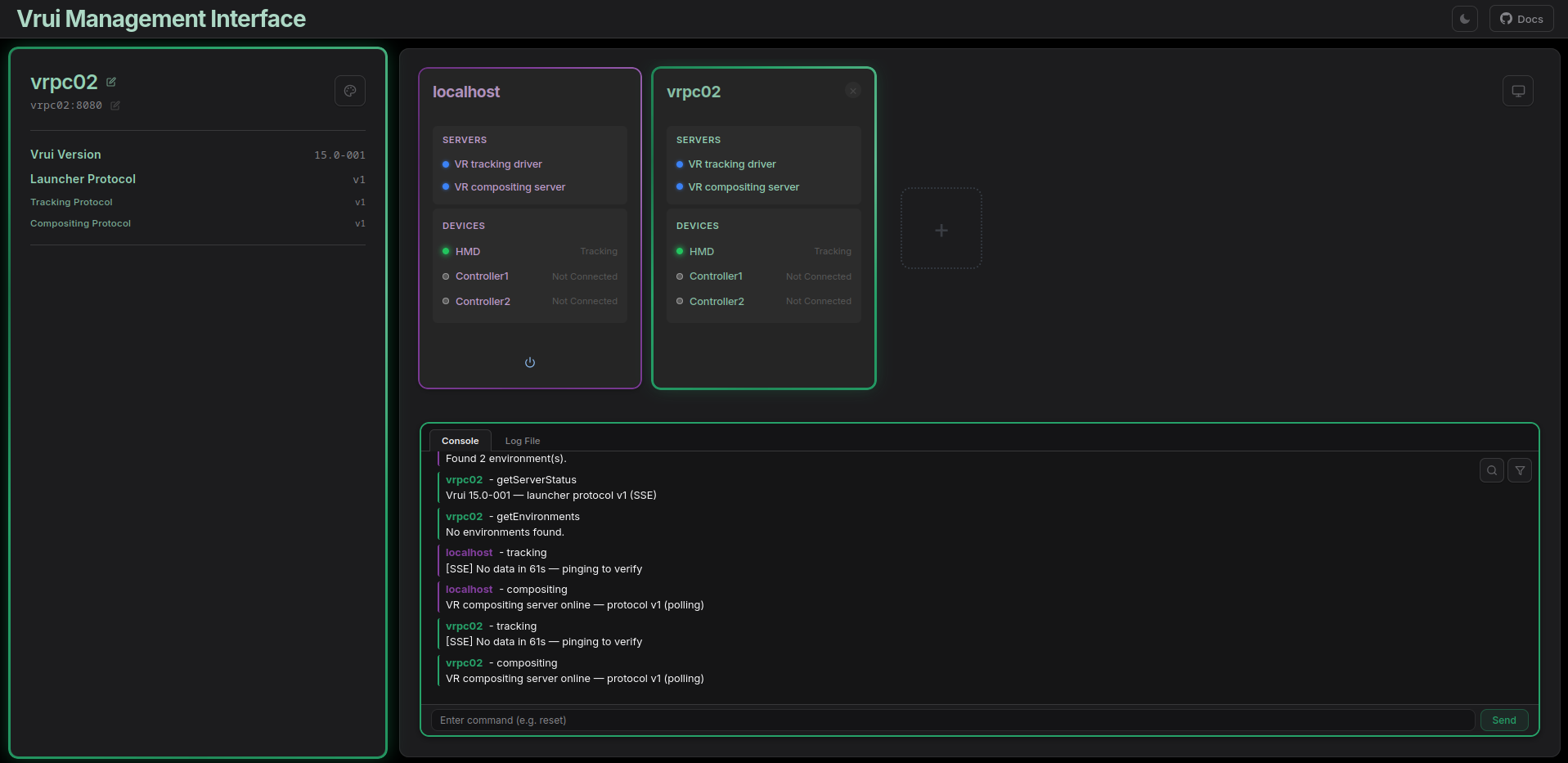
What You Can Do
- Manage multiple VR systems from one screen
- Monitor devices in real time — battery, tracking, and connection status
- Control VR servers — start, stop, and load environments remotely
- Interact with hardware — ping devices with haptic feedback & power them off
- Send commands via a live console with command history
Quick Start
[!NOTE] Vrui must be installed and built (
Make.sh) before the interface can talk to any system.
- Open
index.htmldirectly in any browser - A default localhost system is created automatically pointing to
127.0.0.1:8080 - Add remote systems with the + button
- The interface connects immediately and switches to real-time push (SSE) once the server supports it
No build tools or servers required — the browser talks directly to the Vrui C++ backend.
System States
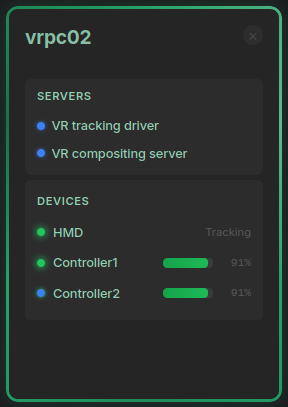
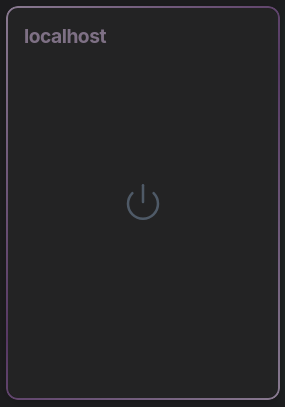
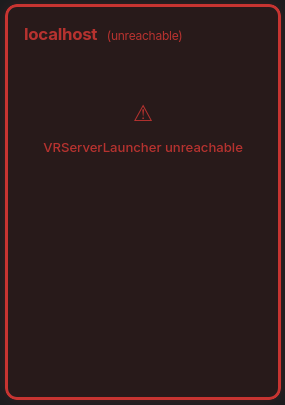
Each system card shows one of three states:
| State | What It Means |
|---|---|
| Connected | Launcher alive and servers running — full system color |
| Disconnected | Launcher alive but servers stopped — muted color |
| Unreachable | Can't contact launcher — red |
Layout
┌─────────────────────────────────────────────────────────┐
│  [Logo]  Vrui Management Interface          [☀/☾] [Docs] │  ← Top bar
├──────────────┬──────────────────────────────────────────┤
│              │  [ System Card ]  [ System Card ]  ...   │
│   Sidebar    │                                          │
│  (selected   │                                          │
│   system)    ├──────────────────────────────────────────┤
│              │  Console  │  Log File                    │
│              │  ─────────────────────────────────────── │
│              │  (live log entries)                      │
└──────────────┴──────────────────────────────────────────┘
Adding a System
- Click the + button
- Enter a name, IP address, and launcher port (default:
8080) - Pick a color — appears in the color picker immediately
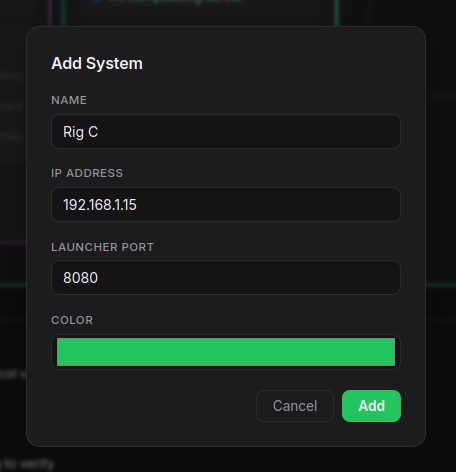
All configurations persist automatically via localStorage. Type reset in the console to clear everything and restore defaults.
Sidebar
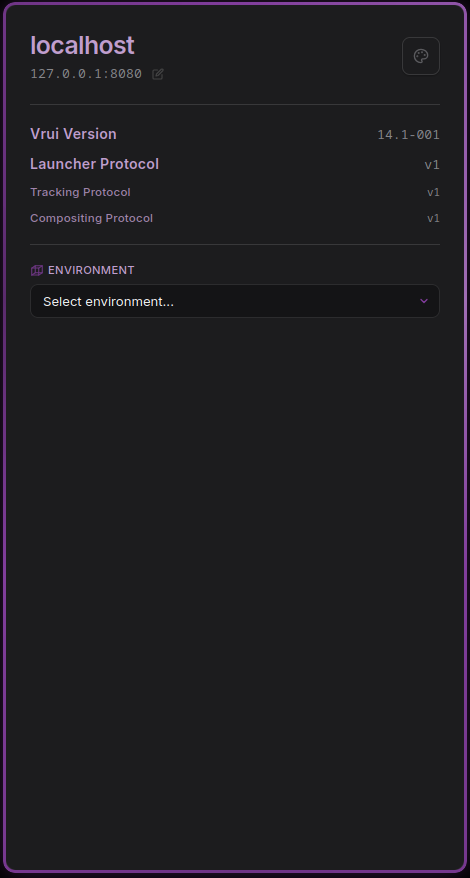
The sidebar shows connection details for the currently selected system:
- System name and IP:port — click either to edit
- Color palette button — change the accent color (persists across reloads)
- Version info — shown once the launcher responds (see Protocol Versioning)
- Environment dropdown — appears when the launcher reports available VR environments
Next Steps
- Usage Guide — How to use every feature
- Developer Reference — Architecture, API, protocol versioning, and extending